

In the modern business landscape, data is often compared to oil. But let’s be honest: raw oil is messy, hard to handle, and pretty useless until you refine it. For many business leaders, "reporting" feels less like a strategic advantage and more like a weekly chore of wrestling with disconnected spreadsheets, hunting down the "missing sock" in their profit margins, and praying the formulas in cell AZ-402 are still correct.
Enter the world of unified operations. When you use a comprehensive ERP system like Pindah, reporting stops being a post-mortem of what went wrong and starts being a real-time GPS for where you’re going. Let's dive into how integrated analytics across modules—from Stock Management to HR & Payroll—can transform your business from "guessing" to "knowing."
The Magic of the "Single Source of Truth"
The biggest headache in business reporting is data fragmentation. Your sales team has one set of numbers in their POS, the warehouse has another in their ledger, and accounting is trying to make sense of both.
Because Pindah uses a unified multi-tenant architecture, every transaction—whether it’s a barcode scan in the Stock Management Module or an invoice generated in the Sales Module—is tagged with a unique OrganisationId. This isn't just a technical detail; it’s the secret sauce that ensures your data is isolated, secure, and, most importantly, consistent.
When you pull a "Total Revenue" report, you aren't just seeing a number; you’re seeing a real-time reflection of every SaleItem and StockTransaction that happened five minutes ago.
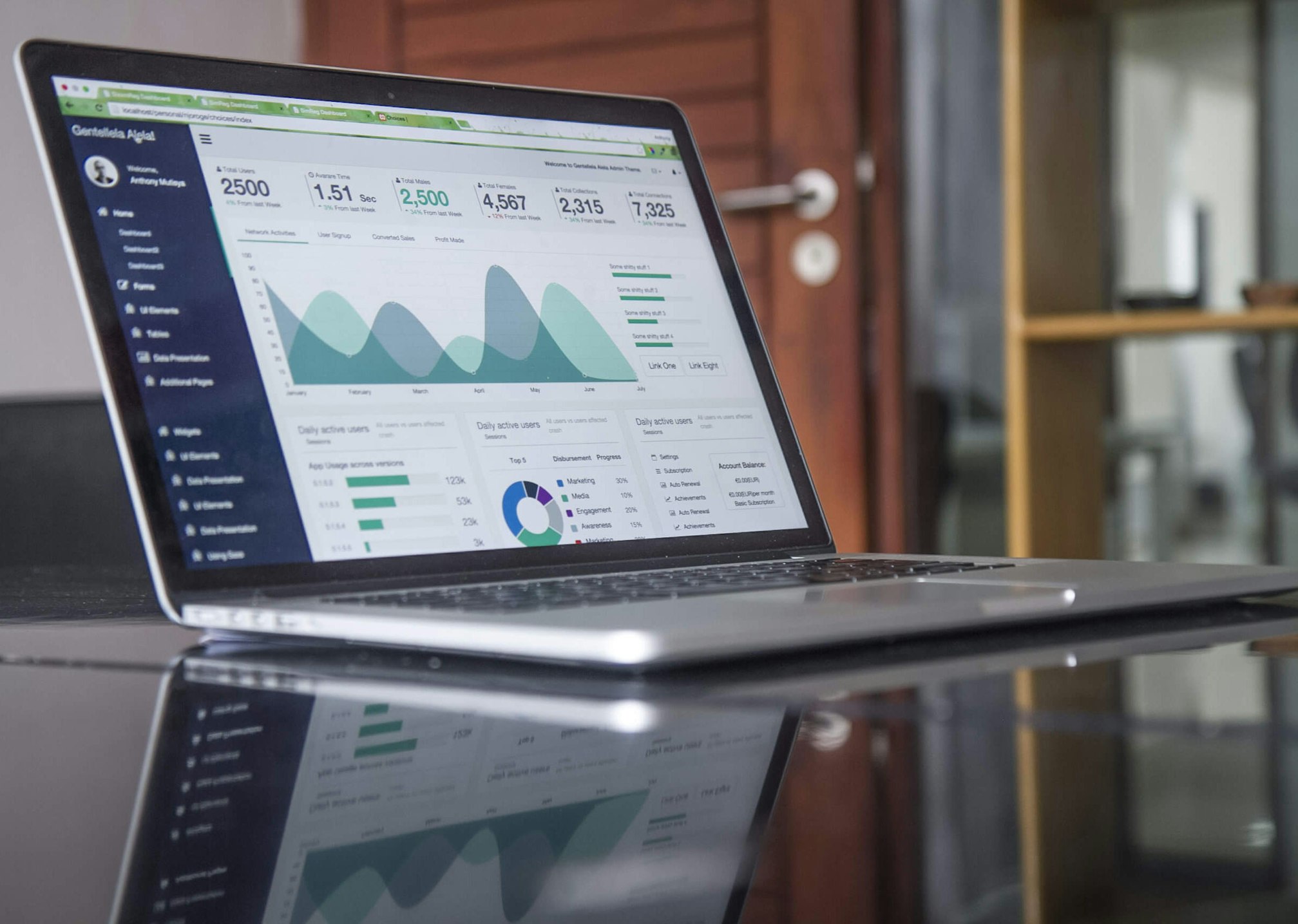
Module Spotlight: Sales & Inventory Synergy
Let's talk about the "Stock-out Nightmare." You run a promotion, sales skyrocket, but your inventory hasn't been updated in days. Suddenly, you’re selling products you don't have.
With Pindah’s Point of Sale (POS) and Stock Management integration, this nightmare disappears. Reporting here isn't just about what you sold; it’s about predictive analytics.
- Reorder Level Alerts: Your system can automatically flag when a
Producthits a specific threshold across differentLocations. - Sales Velocity: Which products are "dust-collectors" and which are "hotcakes"?
- Margin Analysis: By linking the
StockReceipt(what you paid) directly to theSale(what they paid), you get an instant view of your true gross profit without lifting a finger.
Turning "Human Resources" into "Human Results"
Analytics aren't just for widgets and cash; they’re for people too. Pindah’s HR & Payroll Module offers a goldmine of insights that usually stay buried in filing cabinets.
Imagine being able to cross-reference Project Management data with Attendance records. Are your most expensive resources (employees) spending their time on the highest-value projects? By tracking ResourceAllocation against Todo tasks, managers can see exactly where the bottleneck is.
Best Practice: Use the Payroll reporting feature to track bonuses and deductions over time. It helps in identifying top performers and understanding labor cost trends before they impact your bottom line.
Financial Forensics: The Accounting Edge
If the Sales module is the engine, the Accounting Module is the dashboard. Within Pindah, financial reporting isn't a separate "plugin"—it’s baked into the DNA of the system.
Every time a StockReceipt is processed or an Invoice is paid, the Transaction table is updated. This allows for:
1. Real-time Accounts Receivable: Stop wondering who owes you money. A single report can pull all outstanding Invoices linked to specific Customers in the CRM.
2. Tax Compliance: Automated tax calculation and reporting mean you’re always ready for audit season.
3. Project Profitability: By linking Project costs to specific financial transactions, you can see if that "big win" was actually profitable after accounting for hours worked and materials used.
Best Practices for ERP Reporting Success
To make the most of your Pindah system, keep these tips in mind:
- Start with the "Why": Don't just build reports because you can. Ask: "What decision will this report help me make?"
- Clean Data In, Clean Data Out: Ensure your team is diligent with
CategoryandSuppliertags. The better your data entry, the more granular your analytics. - Leverage Permissions: Use Pindah’s granular Role-Based Access Control (like
stock:inventory:view) to ensure the right people see the right data. You don't want the intern seeing the payroll details! - Automate Everything: If you find yourself exporting to Excel every Monday, you’re doing it wrong. Use the built-in reporting tools to get the data delivered directly to your dashboard.
Conclusion: The Future is Integrated
Reporting shouldn't feel like a chore. With Pindah’s unified platform, your data works for you, not the other way around. Whether you are tracking a single vehicle's maintenance in the Assets Module or managing a complex manufacturing workflow, the power of integrated analytics gives you the clarity to lead with confidence.
Ready to see your business in high definition? It's time to move beyond the spreadsheet and embrace a system that understands how your business actually moves.
Ready to Transform Your Operations?
Stop fighting your data and start using it. Experience the power of Pindah's unified operations platform today.
- Explore our system: https://basa.pindah.org or https://basa.pindah.co.zw
- Get in touch: Call us at +263714856897
- Email us: admin@pindah.org
Let’s build something smarter together.